For agencies
Manage candidates
View, edit, and organise your agency's candidate profiles.
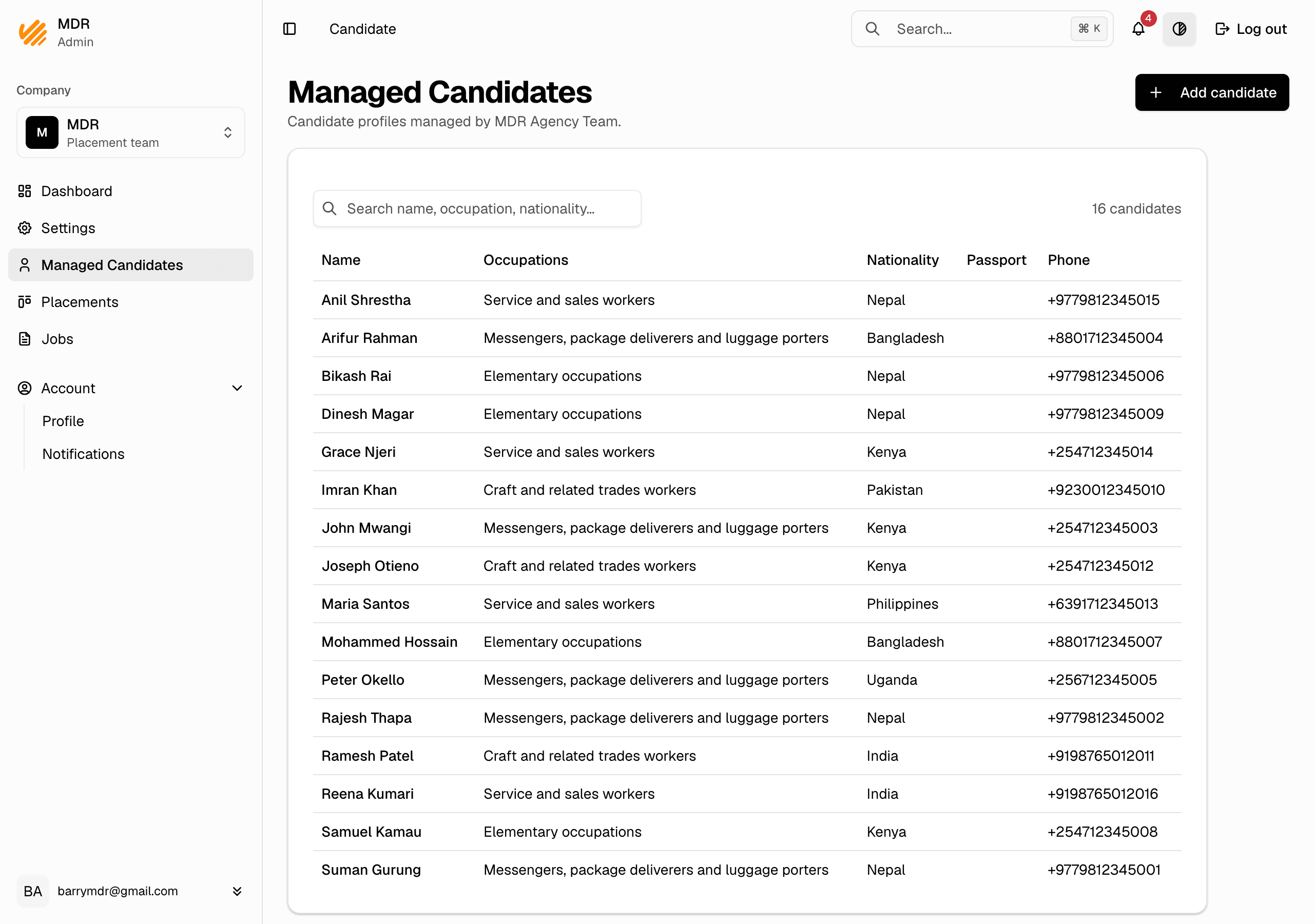
The Managed Candidates page lists every profile your agency team manages. From here you open a profile to read or change its details.
View and edit a profile
- In the company dashboard, go to Managed Candidates.
- Click a candidate to open their profile.
- Edit any field and save. Changes are visible to the whole team.
Who can edit a profile
- Managed profiles — any member of the team that manages the profile.
- Delegated profiles — your company once a candidate delegates their profile to you. A company admin can assign the profile to a team so that team's members can manage it. See Delegated profiles.
Notes
- Candidates you manage do not need their own account. Delegated candidates keep their account and can take their profile back at any time.
- To put a candidate forward for a job, see Put candidates forward.