For agencies
Add team members
Add recruiters to an agency team so they can manage candidates.
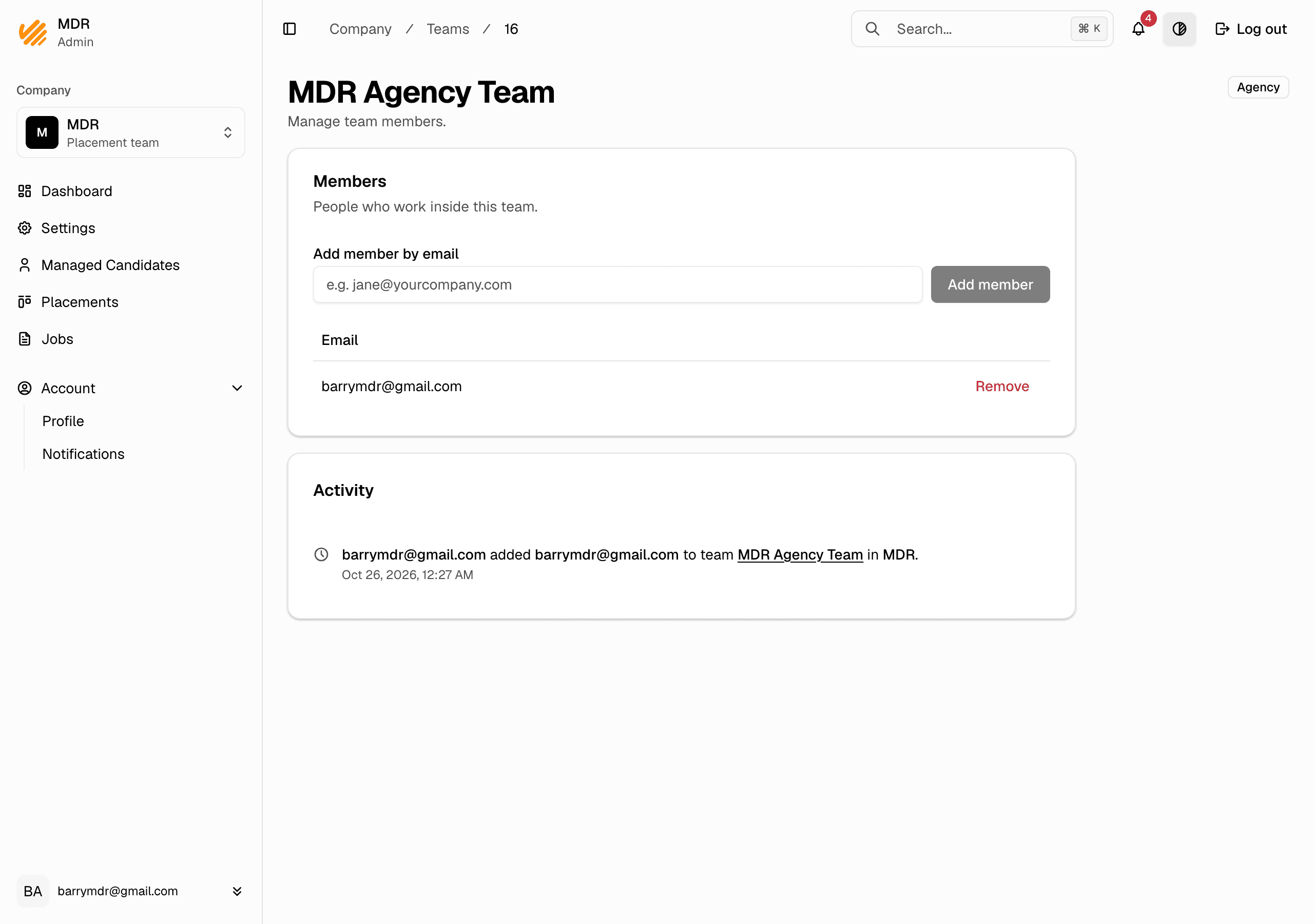
Members of an agency team can create and manage that team's candidate profiles. Add your recruiters to the team so they can work.
Steps
- In the company dashboard, open Settings.
- In the Teams section, click the team you want.
- In the Members section, type the person's email under Add member by
email, e.g.
[email protected]. - Click Add member. They appear in the members list.
Notes
- Only a company admin can add or remove members.
- The person needs an MHive account. If they do not have one yet, an admin creates it first (see the admin guide for adding a user).
- Once added, a team member can create candidate profiles for the team and put them forward to the jobs open to your agency.