For agencies
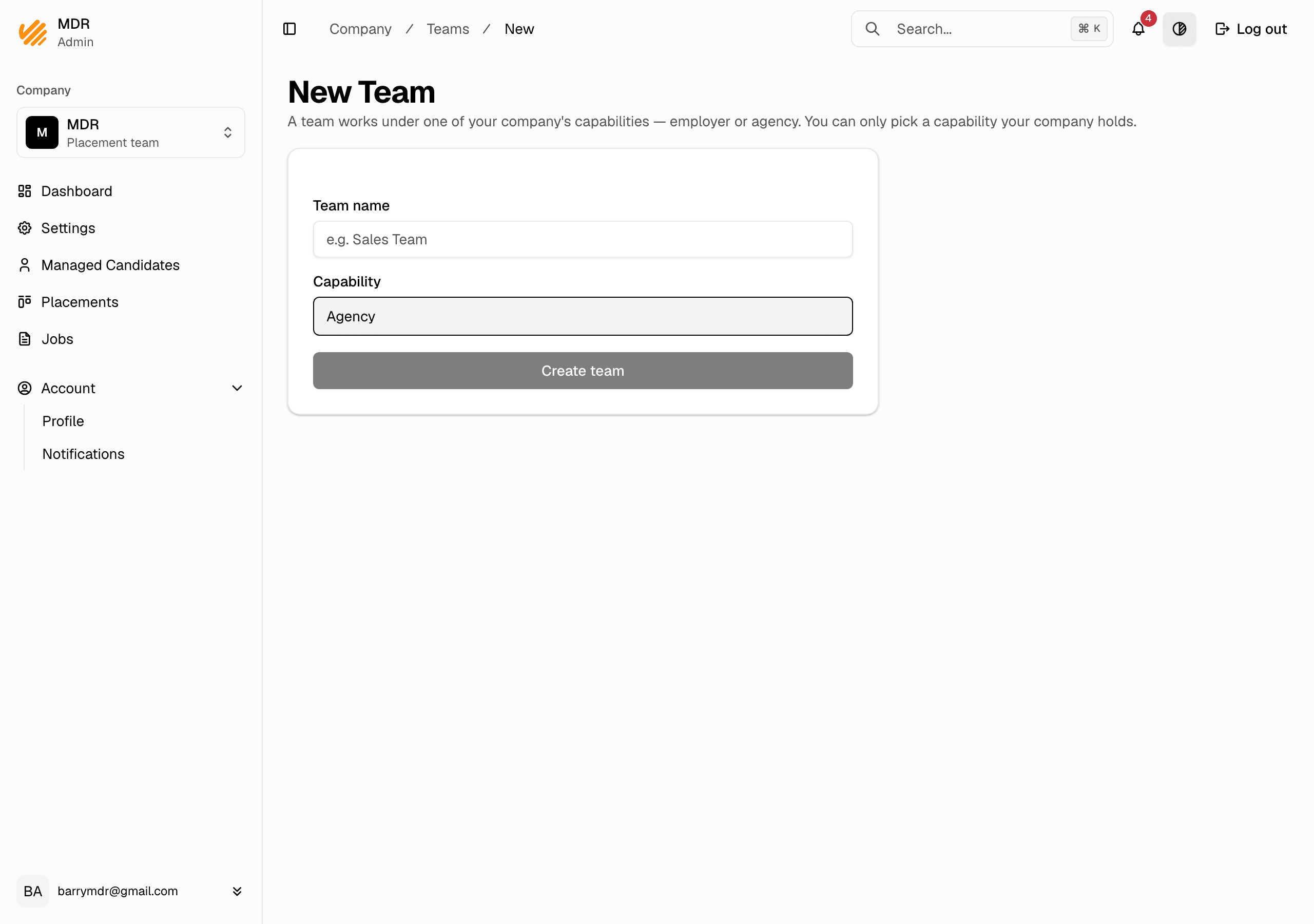
Create an agency team
Set up an agency team so you can add candidates and work on jobs.
You do your agency work inside a team. A team acts under one capability, so to manage candidates you need an agency team. Your company must already hold the Agency capability (an admin sets that up).
Steps
- In the company dashboard, open Settings.
- In the Teams section, click Add team.
- Enter a team name, e.g.
Noon Recruitment Team. - Under Capability, choose Agency. Only capabilities your company holds are shown.
- Click Create team.
Notes
- Only approved capabilities can be picked. If Agency is not shown, ask an admin to grant your company the Agency capability first.
- A team works under exactly one capability. If your company is both an agency and an employer, make a separate team for each.
- Next, add your recruiters to the team — see Add team members.