For employers
Share a job with an agency
Delegate a job to a recruitment agency so it can submit candidates.
Matching finds candidates for you automatically, but an agency can put forward people the match did not pick. To let an agency work on your job, you delegate the job to it.
Delegate the job
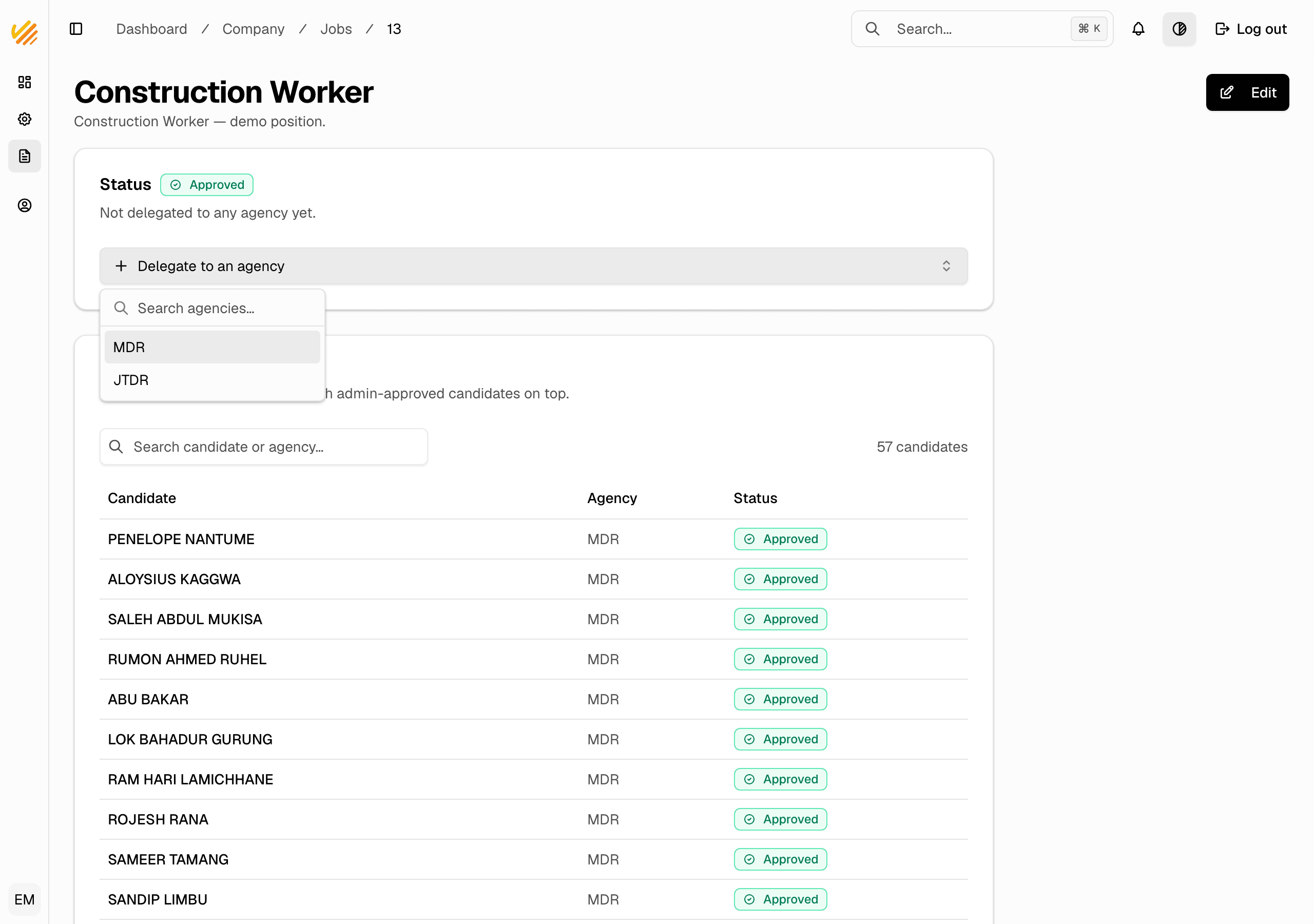
- In the company dashboard, go to Jobs and open the job.
- In the Status card, click Delegate to an agency.
- Search for the agency and pick it. The delegation is saved right away.
What happens next
- The agency sees your job and can submit its candidates to it.
- Each submission waits for a platform admin to approve it. You never see unapproved submissions.
- Approved candidates appear on your job page, at the top of the list.
Notes
- Delegating a job does not show the agency anything else about your company — only the job.
- Only the company that owns the job can edit it. The agency cannot change your job post.