For candidates
Track your jobs
Follow the jobs your agency put you forward to.
You do not apply to jobs by hand. Your agency puts you forward to the jobs you fit, and you follow each one here.
See your jobs
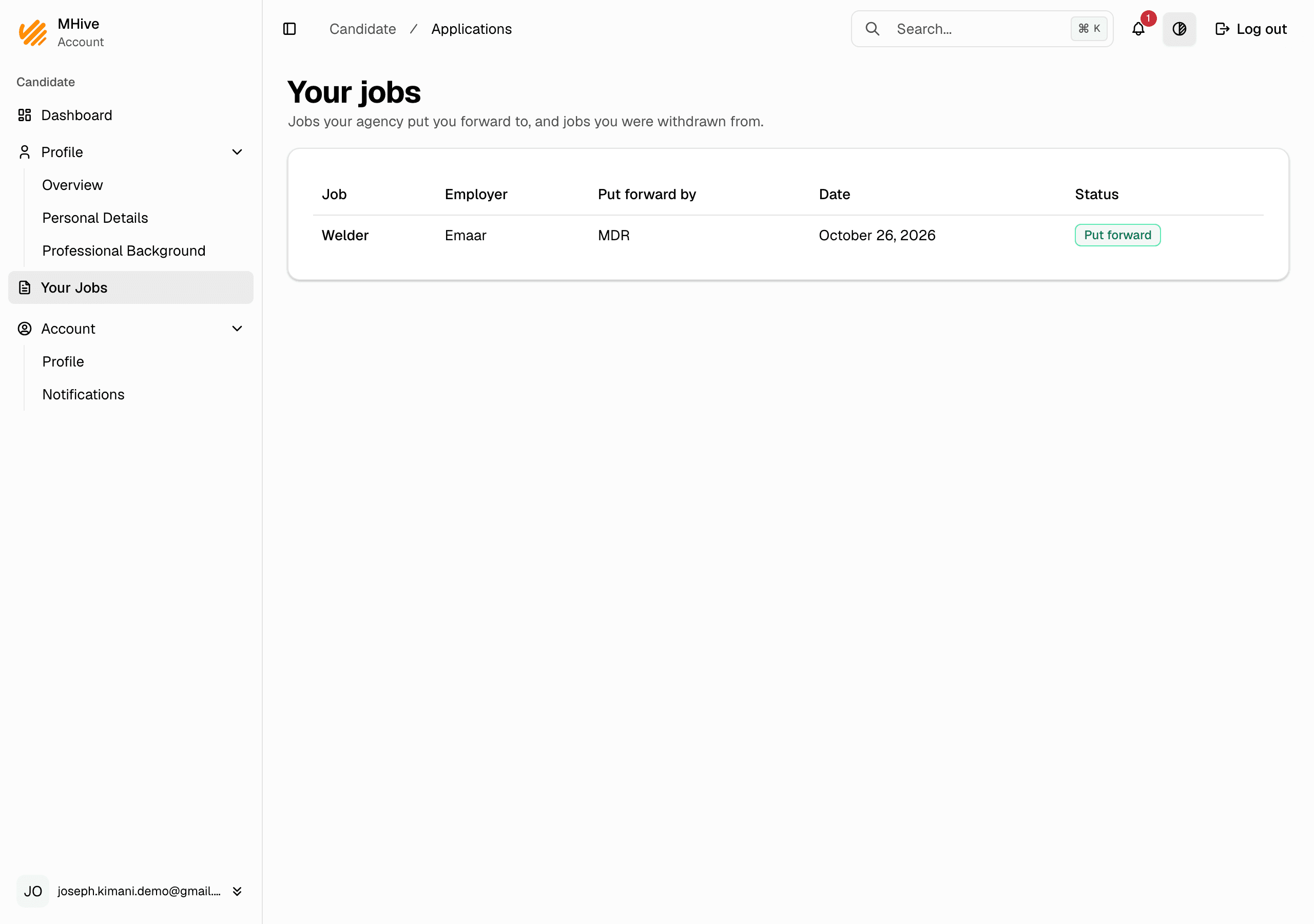
- In the menu, go to Your Jobs.
- Each row is one job your agency put you forward to, or withdrew you from: the employer, the agency that put you forward, the date, and its status.
What the steps mean
- Put forward — your agency showed you to the employer. They have not picked yet.
- Selected, Interview, Onboarding, Hired — the employer moves you on, step by step. Your agency confirms you are available.
- Withdrawn — you were taken back from the job, with the reason. Questions about a job go to your agency.
If nothing shows up
- Check that your profile lists your occupations — they decide which jobs you fit.
- Check your relocation countries — a job with a location fits only candidates open to that country.
- See Complete your profile.