For candidates
Create your account
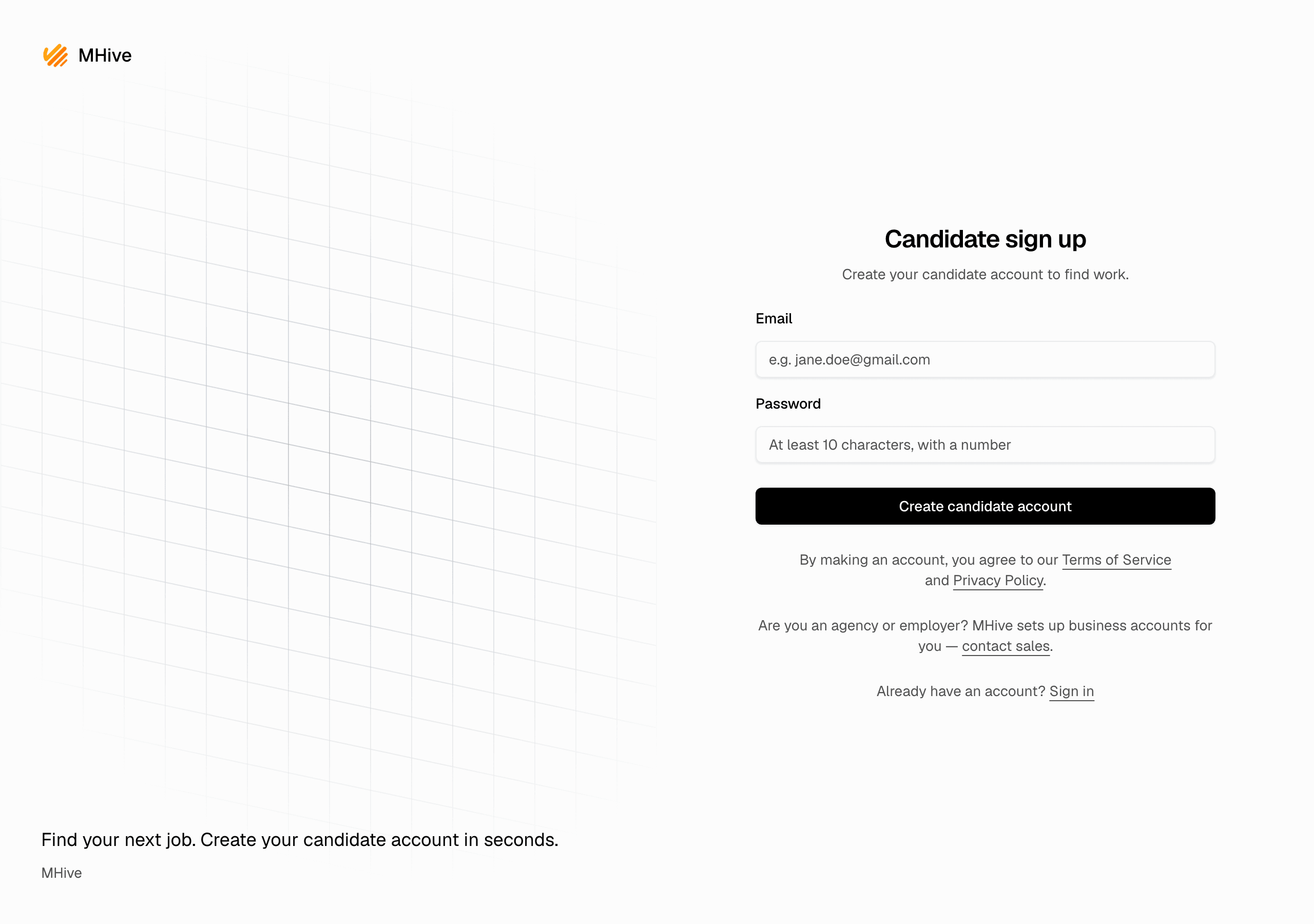
Sign up as a candidate and set up your profile in a minute.
Candidates sign themselves up — no invitation needed. Agencies and employers do not sign up here; MHive sets up business accounts for them.
Sign up
- Open the sign-up page and enter your email and a password (at least 10 characters, with a number).
- Click Create candidate account.
Set up your profile
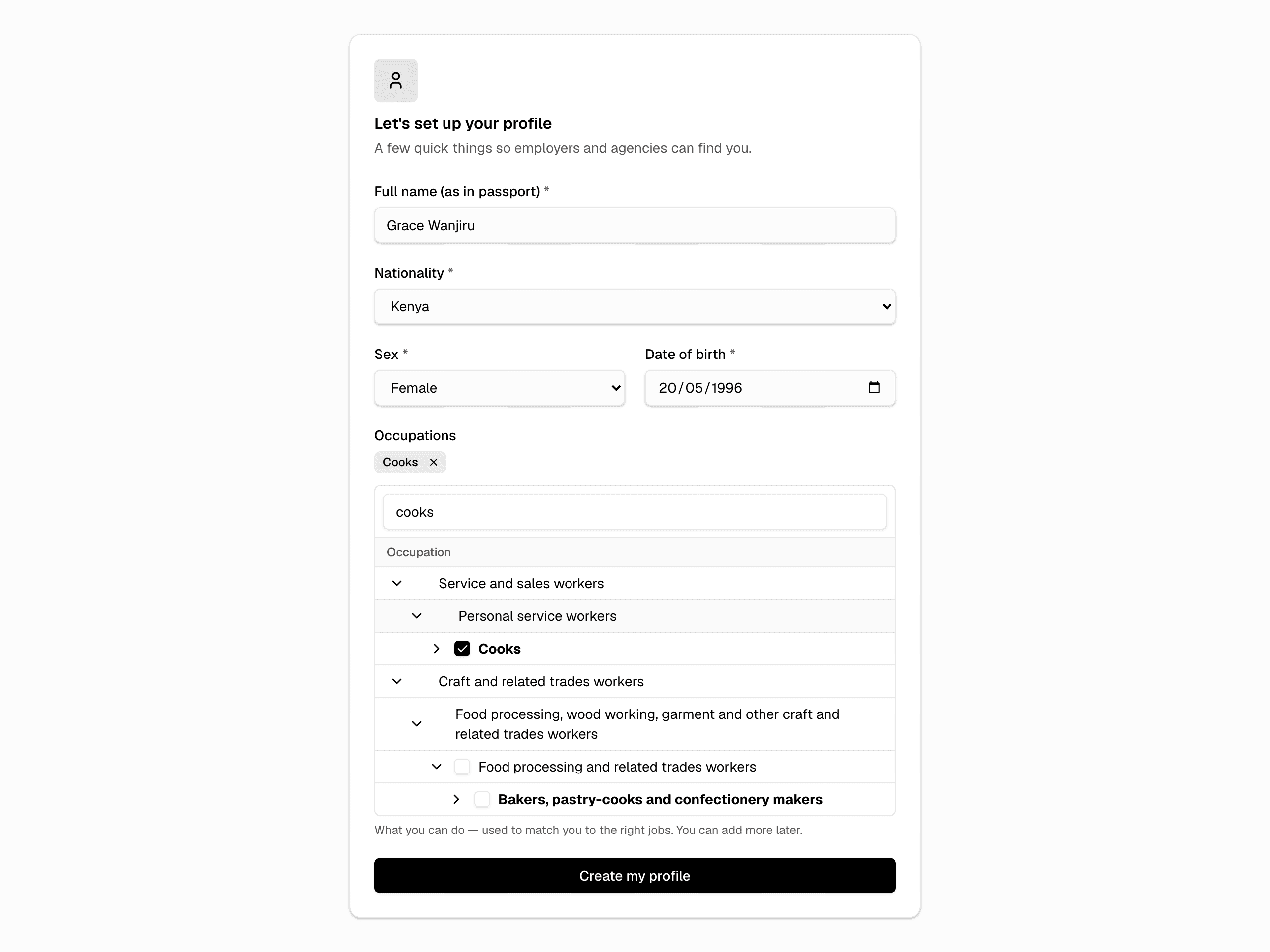
Right after signing up you land in a short setup form:
- Full name — exactly as in your passport.
- Nationality, sex, and date of birth.
- Occupations — what you can do. Start typing, then tick the occupation in the list. This is what matches you to jobs, so pick what really fits. You can add more later.
- Click Create my profile.
That is all — you are on your dashboard. Next, make the profile strong: Complete your profile.