Complete your profile
Fill in the details that matching and employers rely on.
Matching runs on your profile. The more complete it is, the better your chances of showing up on the right jobs.
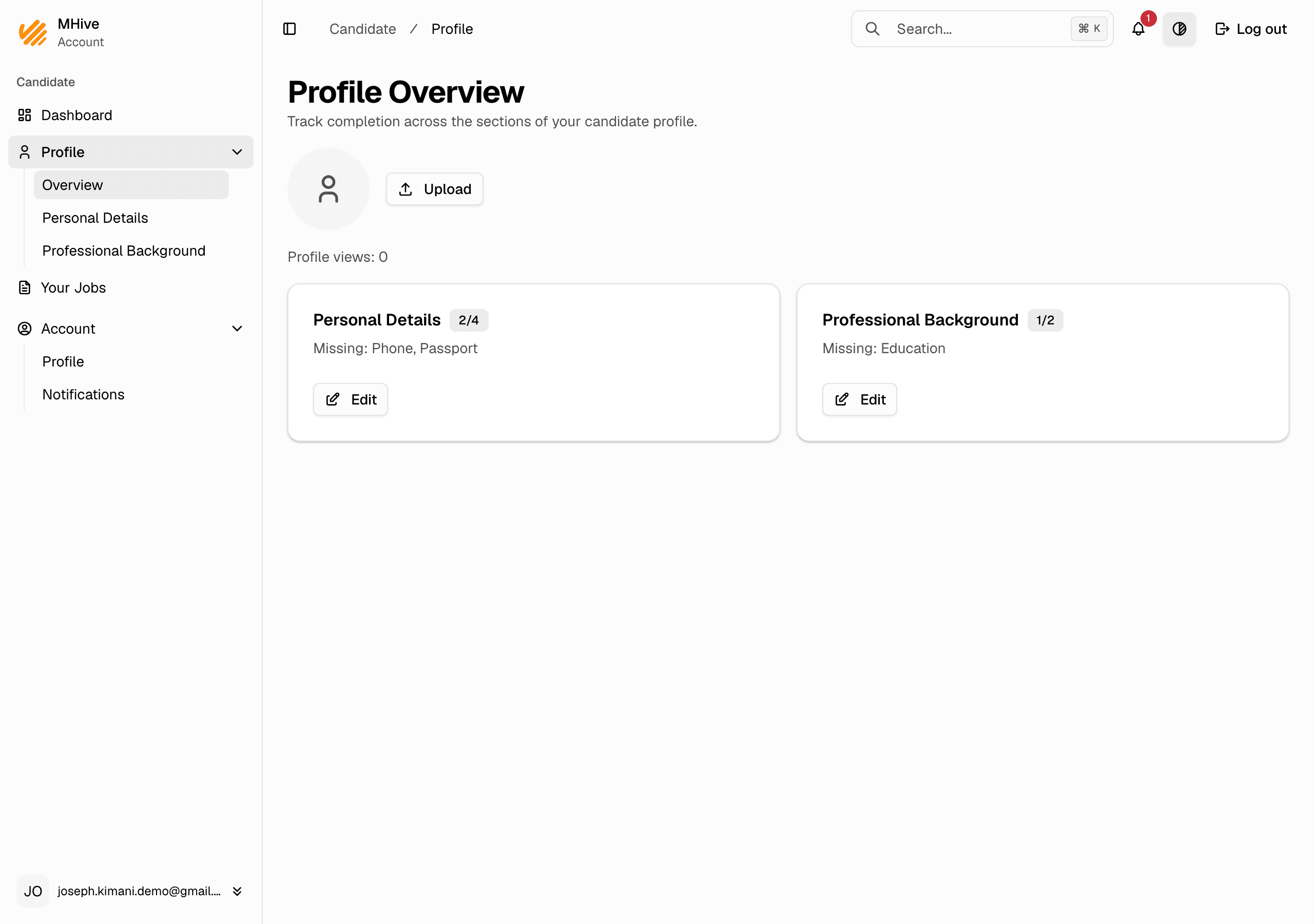
See what is missing
Profile → Overview shows each section with a completion count and what is still missing.
Personal details
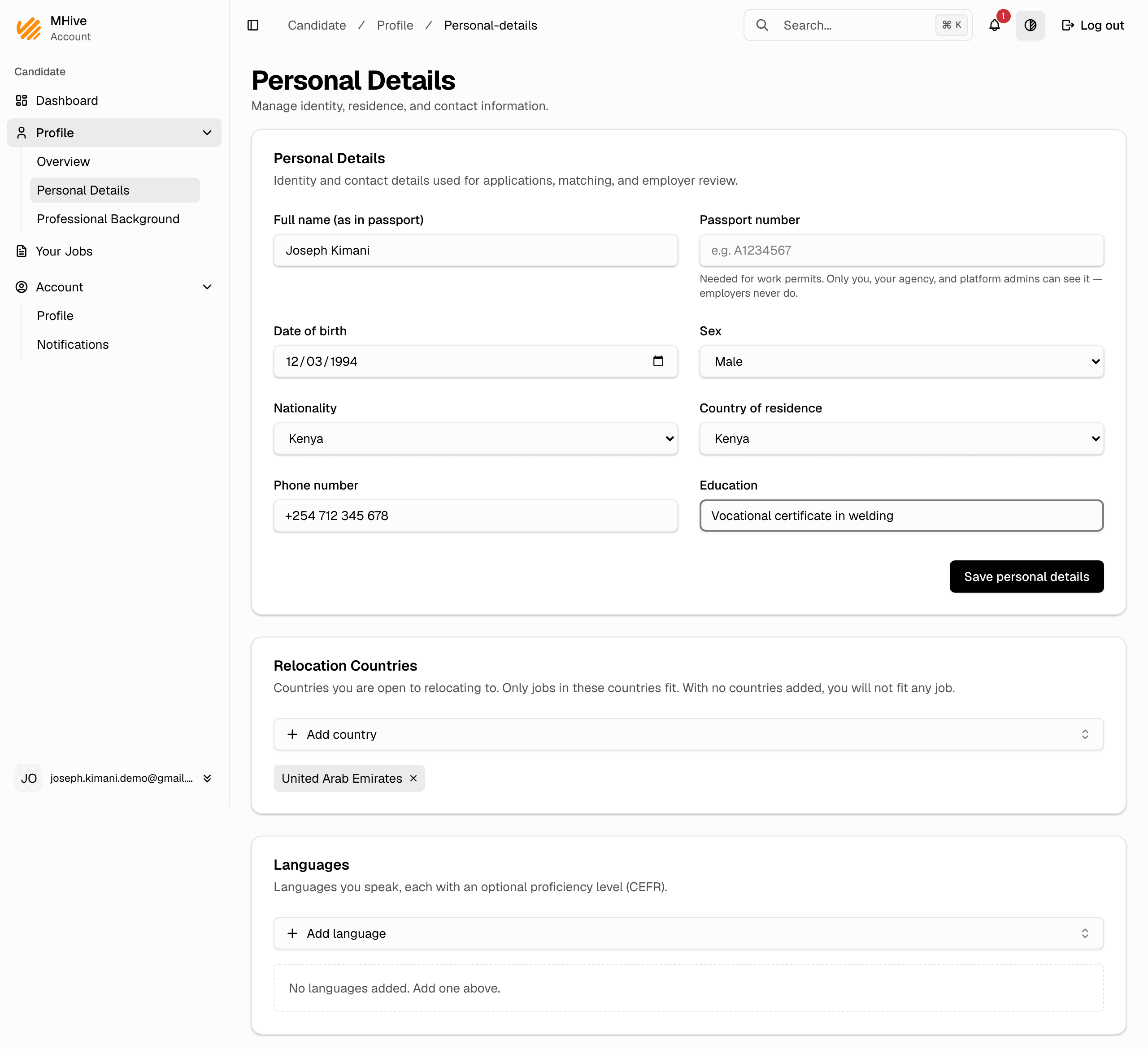
- Go to Profile → Personal Details.
- Fill in your identity and contact details: name, passport number, date of birth, sex, nationality, country of residence, and phone.
- Click Save personal details.
Relocation countries
Under Relocation Countries, on the same page, add every country you are open to relocating to.
- Click Add country and pick the country.
- You fit only jobs in these countries — with no countries added, you fit no job that has a location. Removing a country withdraws you from the jobs there your agency put you forward to; you are told which first.
Languages
Under Languages, at the bottom of the same page, click Add language and pick each language you speak, with your level if you know it.
Professional background
- Go to Profile → Professional Background.
- Add your occupations. Occupations drive the matching — add every occupation you can genuinely work in.
- Under Education, click Add education for each school or course you finished. You can attach the diploma: a PDF, PNG or JPEG.
- Under Certifications, click Add certification for each licence or certificate you hold, and attach it the same way.
Your agency and MHive can open these files. An employer can open them only after it selects you for one of its jobs. Never upload your passport here: it goes in the passport field.
Changes take effect right away
Whenever you save your profile, matching runs again. Your agency sees the jobs you now fit, and puts you forward to the ones it chooses.